
Introduction to the Ownknew Projector GC357
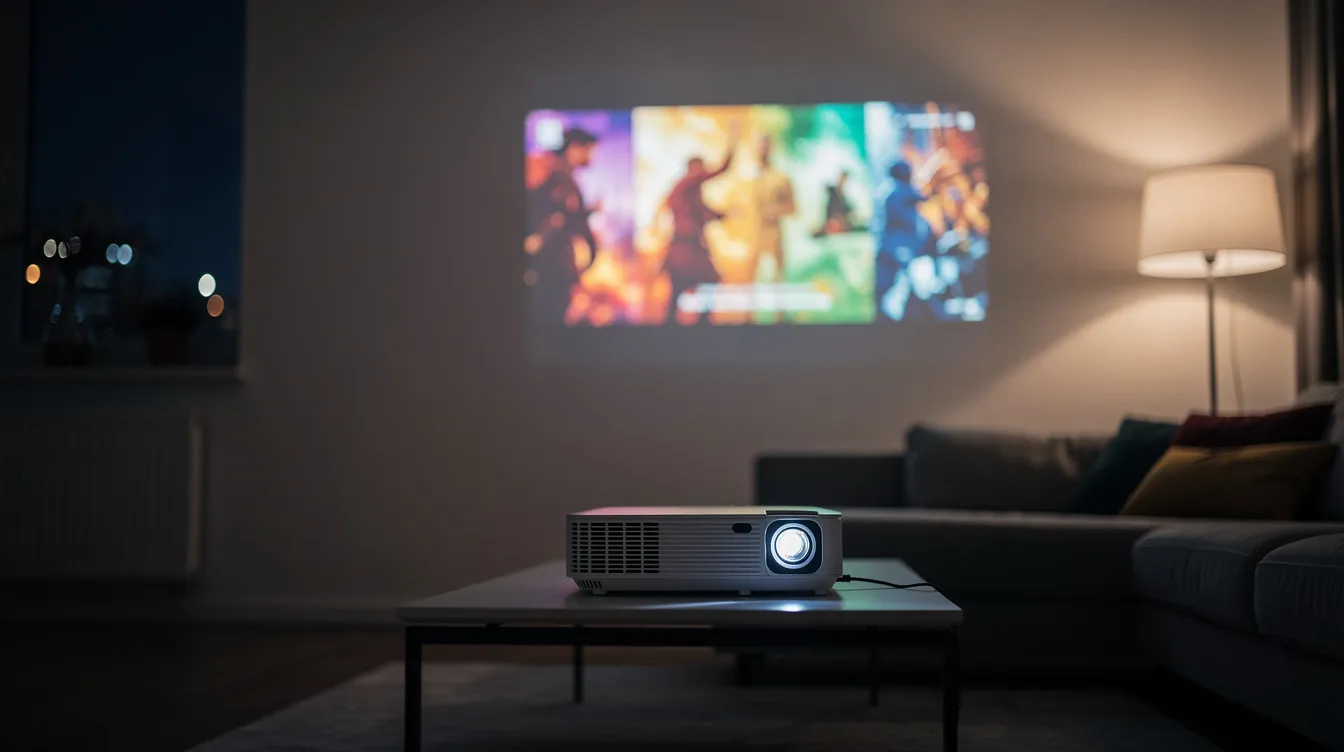
The Ownknew projector GC357 is a native Full HD 1080P movie projector with 4K input support, built for anyone who wants a cinema-like picture in their living room or an outdoor projector setup in the backyard. With built-in Google TV, WiFi 6, and Bluetooth 5.3, it functions as a portable streaming hub rather than just a box that throws light on a wall.
So who is this projector actually for? Movie lovers who want a big screen without mounting a TV. Gamers looking for an immersive display. Families planning outdoor movie nights. And anyone who's tired of juggling streaming sticks, extra cables, and multiple remotes. At roughly three pounds, with an LED light source rated for 65,000 hours, the GC357 delivers a compelling all-in-one package heading into 2026.
Key Specifications & What's in the Box
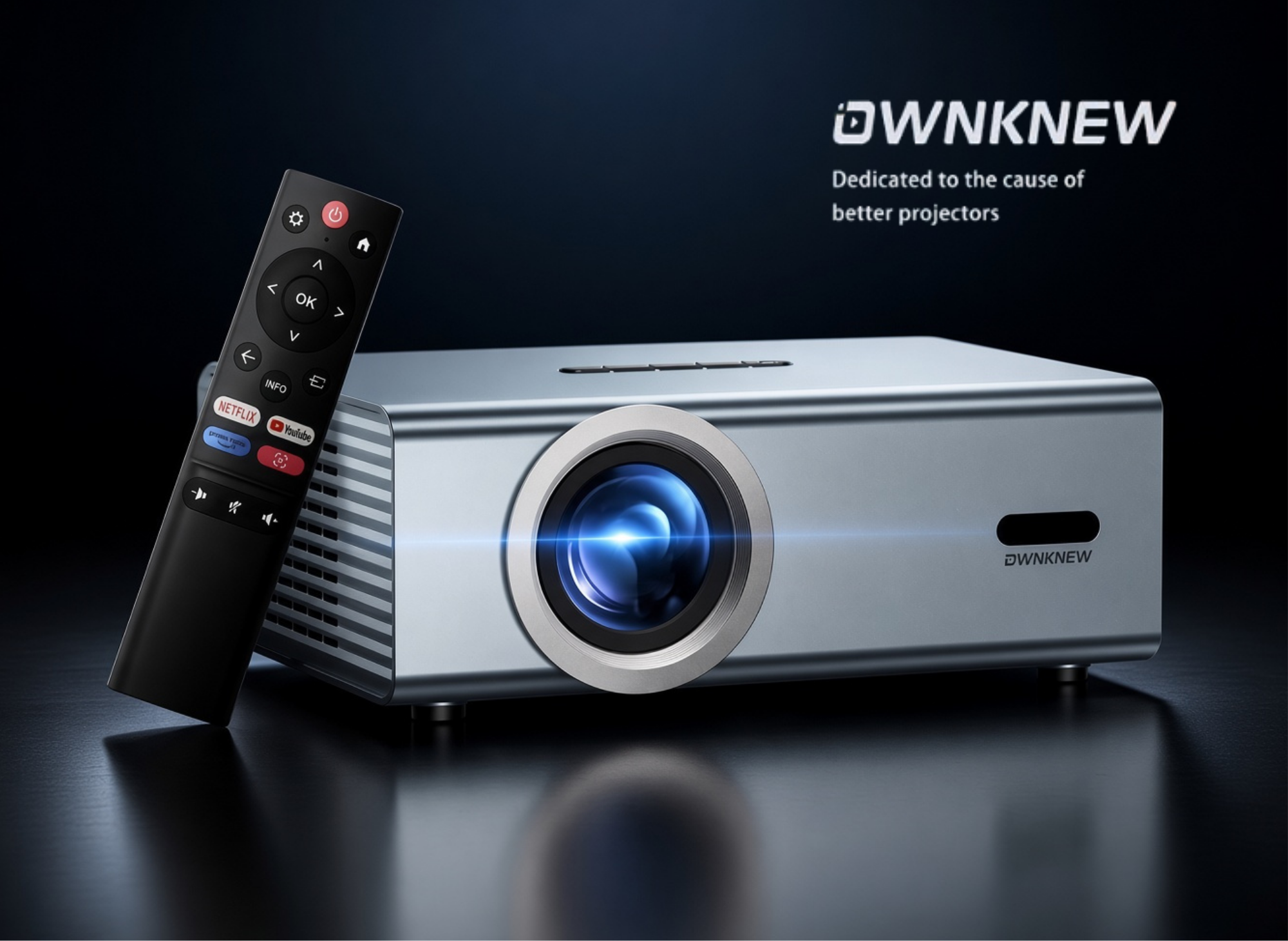
Here's a quick rundown of the core hardware and what arrives when you unbox the Ownknew GC357.
Core specs:
- Native resolution: 1920×1080 (Full HD) LCD panel with 4K input decoding
- Brightness: 600 ANSI lumens (ignore inflated marketing numbers like "30,000L")
- Contrast ratio: approximately 20,000:1
- Recommended screen size: 50–450 inches claimed, but the usable sweet spot sits between 80 and 120 inches diagonal
- LED lamp life: ~65,000 hours (roughly 44 years at four hours daily)
- Operating noise: ~36 dB
- Dimensions: approximately 9.4 × 7 × 3.5 inches; weight ~2.97 lb
Connectivity:
- Dual-band WiFi (2.4 GHz / 5 GHz, WiFi 6)
- Bluetooth 5.3 with bidirectional audio support
- HDMI input, two USB-A ports, AV input, 3.5 mm audio out
In the box:
- GC357 projector unit
- Netflix Edition remote control
- Power cable/adapter
- HDMI and AV cables
- Quick start guide and warranty card
The bottom of the unit features a standard ¼-inch tripod thread and rubber feet, so you can mount it on a tripod or set it flat on a table for stable support.
OWNKNEW Outdoor Projector with WiFi6 and Bluetooth5.3 Mini Projectors Built-in Apps
4K Support High Brightness Smart Video Proyector with Dolby Audio & Electric Focus & Auto Keystone
Smart Features: Built‑In Google TV & Netflix Edition Remote
What makes the Ownknew projector feel more like a smart TV than a traditional projector is the integrated Google TV platform. Power it on, and you land on a home screen with content recommendations, app access, and search - no streaming stick required.
Streaming without dongles. Google TV gives you direct access to Netflix, YouTube, Disney+, Prime Video, and other major apps. You can browse videos, switch between services, and manage watchlists from a single interface. That means one fewer device plugged into the back, one fewer remote on the couch.
Netflix Edition remote. The included remote control features a dedicated Netflix button for one-press access, plus a streamlined layout designed specifically for the GC357. Voice control through Google Assistant lets you search hands-free - say "play action movies" or "open YouTube" and skip the on-screen keyboard entirely.
The practical advantage is speed: you can go from turning the projector on to watching a movie in under 30 seconds, which is convenient enough that you'll actually use it on weeknights, not just special occasions.
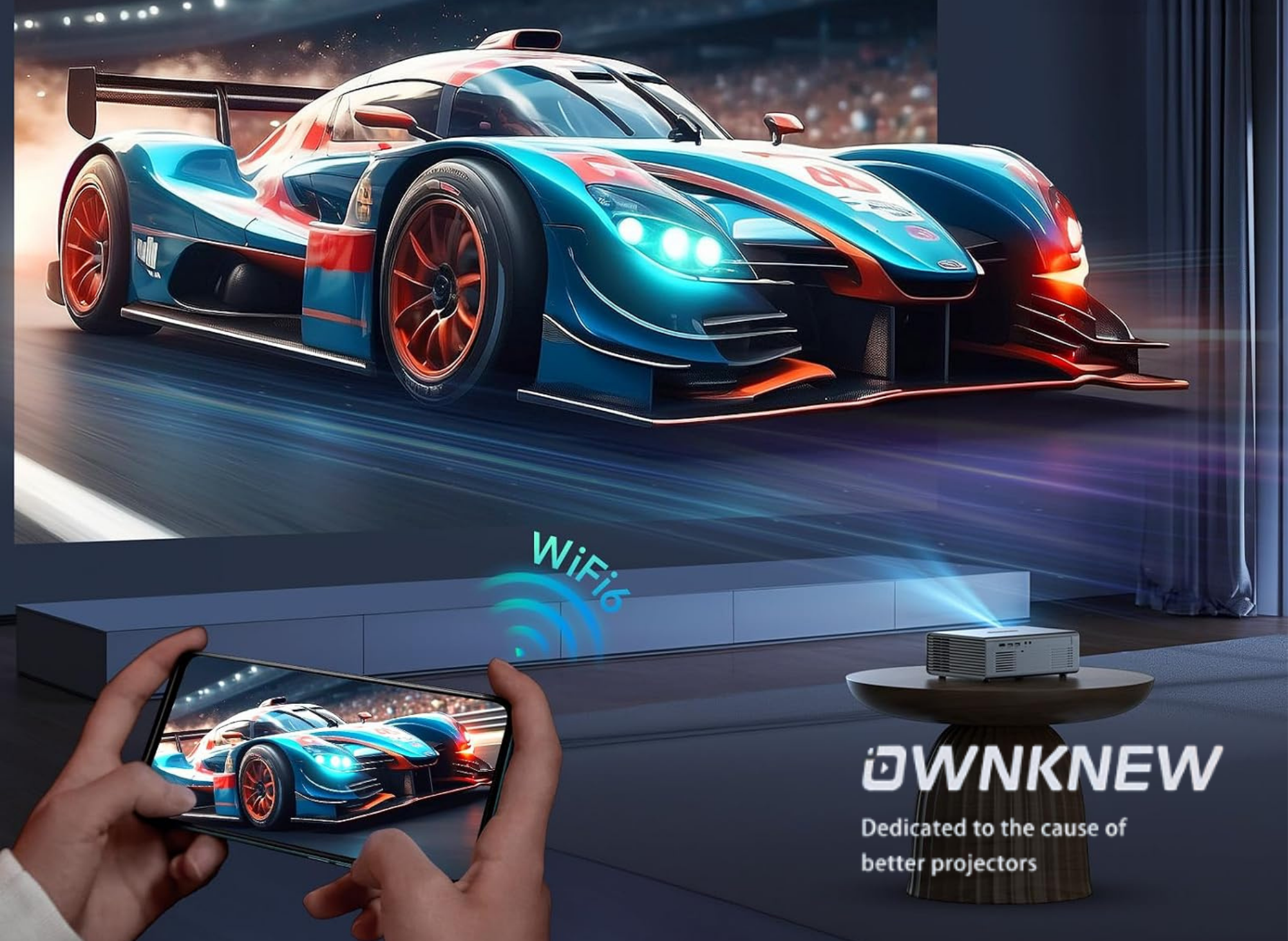
Image Quality & Audio Performance
The viewing experience is where the Ownknew projector needs to deliver, and for its price class, it holds up well.
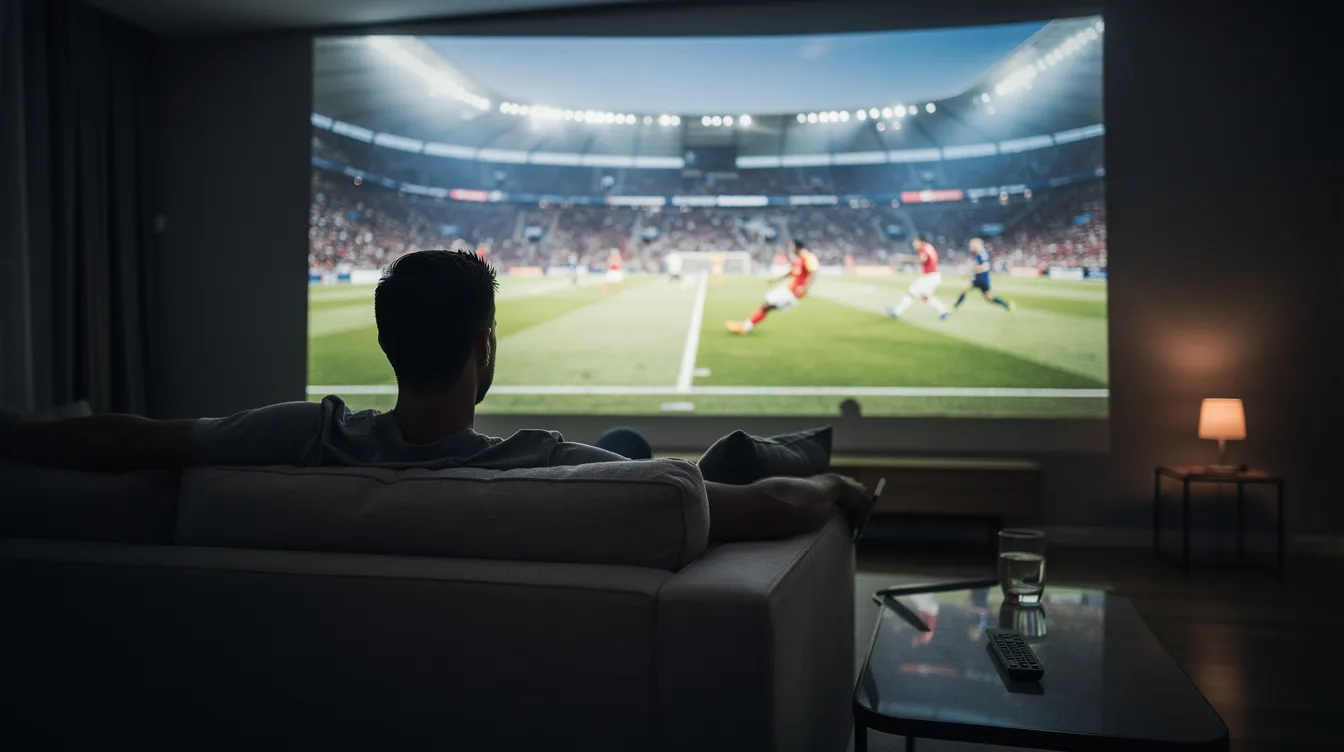
Picture performance. The native 1080P panel produces clean, sharp detail at moderate screen sizes. At 80 to 120 inches diagonal, movies and sports look crisp with accurate colors. The projector accepts 4K input signals and downscales them, so you won't lose compatibility with 4K sources - though you won't see true 4K pixel density on screen.
Brightness and contrast in practice. At 600 ANSI lumens, this projector thrives in dark or dimly lit rooms. Draw the curtains, kill the overhead lights, and the image is vibrant with respectable black levels thanks to the 20,000:1 contrast ratio. In a fully lit living room or outdoors before sunset, expect significant washout. This isn't a limitation unique to the GC357 - it's physics at this brightness tier.
Audio. Built-in speakers handle dialogue and casual viewing adequately in a bedroom or small living room. For anything larger - or any outdoor use - you'll want to pair a Bluetooth speaker or soundbar. The built-in audio is functional, not immersive.
Image correction. Auto keystone correction (both vertical and horizontal) and electric focus help you get a sharp, rectangular image without fussing with manual dials. Heavy keystone correction can slightly reduce sharpness at the corners, so placing the projector as square to the screen as possible still pays off.
Connectivity: WiFi, Bluetooth, and Ports
This section covers how the Ownknew projector connects to the internet, multiple devices, and audio gear.
WiFi 6 (dual-band). The 5 GHz band provides stable, low-buffer streaming for Google TV apps. If your router is in another room, the 2.4 GHz band offers better range at the cost of some speed. Either way, WiFi 6 handles HD streaming without hiccups in most home networks.
Bluetooth 5.3. Pair wireless headphones for late-night viewing, connect a Bluetooth soundbar for better audio, or link a game controller. The bidirectional Bluetooth means the projector can both send and receive audio.
Physical ports and use cases:
- HDMI: connect a PS5, Nintendo Switch, laptop, or Blu-ray player
- USB-A (×2): play media from a flash drive or power a small device
- AV input: hook up older DVD players or legacy gear
- 3.5 mm audio out: wire directly to powered speakers or a home amp
Wireless casting. Screen mirroring via Miracast (Android/Windows) and AirPlay (iOS/Mac) is supported, giving you compatibility with most phones and laptops for sharing photos, presentations, or content not available through Google TV apps.
Indoor Home Cinema vs. Outdoor Projector Use
The GC357 is designed to move between your living room and your backyard. Here's how to get the best results in each space.
Indoor setup tips:
- Place the projector 8–12 feet from the screen for an 80–120-inch image
- Use a dedicated projector screen (even a budget one) rather than a bare wall - walls introduce texture and color shift that reduce perceived contrast
- Darken the room as much as possible; blackout curtains make a significant difference
- Use the electric focus and auto keystone to dial in the image quickly
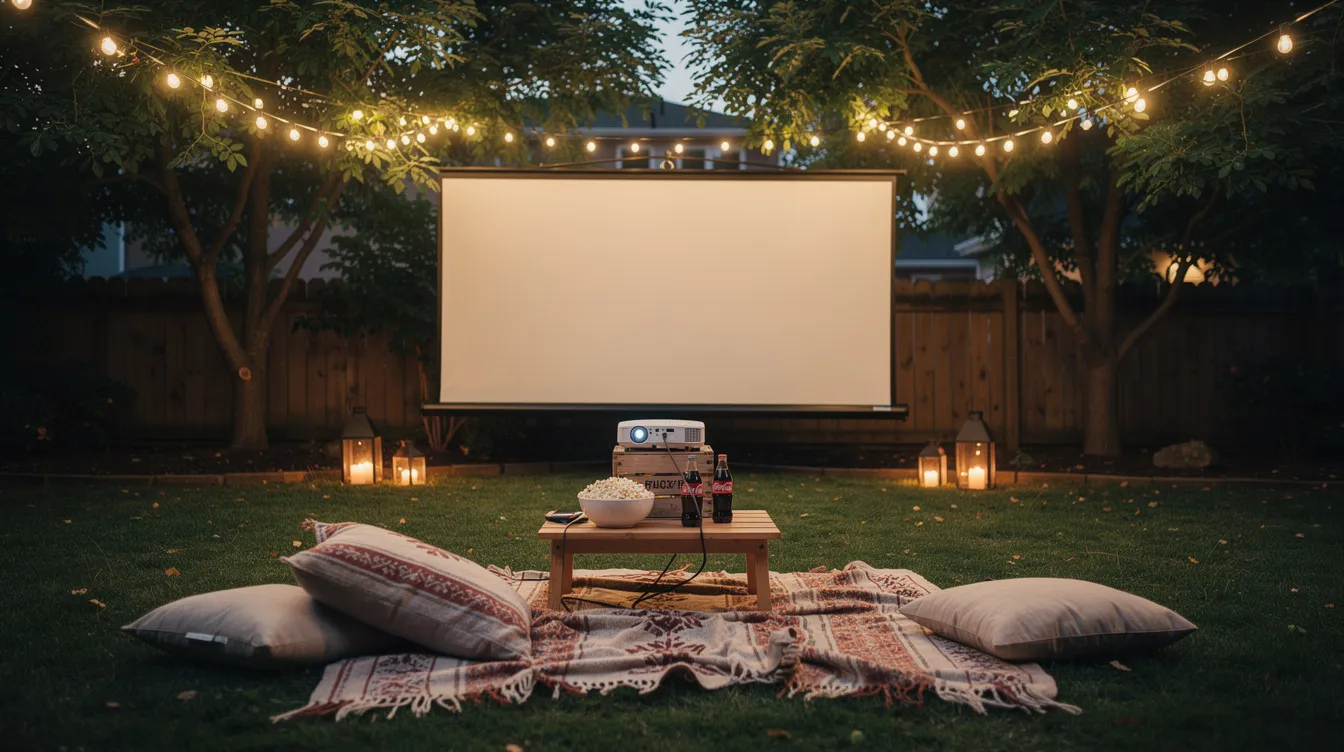
Outdoor projector best practices:
- Wait until after sunset to start; ambient light from streetlamps or porch lights should be minimized
- Keep the projected image under 100–110 inches to maintain brightness
- Use a foldable or inflatable outdoor screen for a clean surface
- Run an extension cord to a weatherproof outdoor outlet (the projector requires mains power)
- Check WiFi signal strength; if your router doesn't reach the yard, a mobile hotspot or mesh extender helps
- Pair a portable Bluetooth speaker - the built-in audio won't cut it outdoors for a group
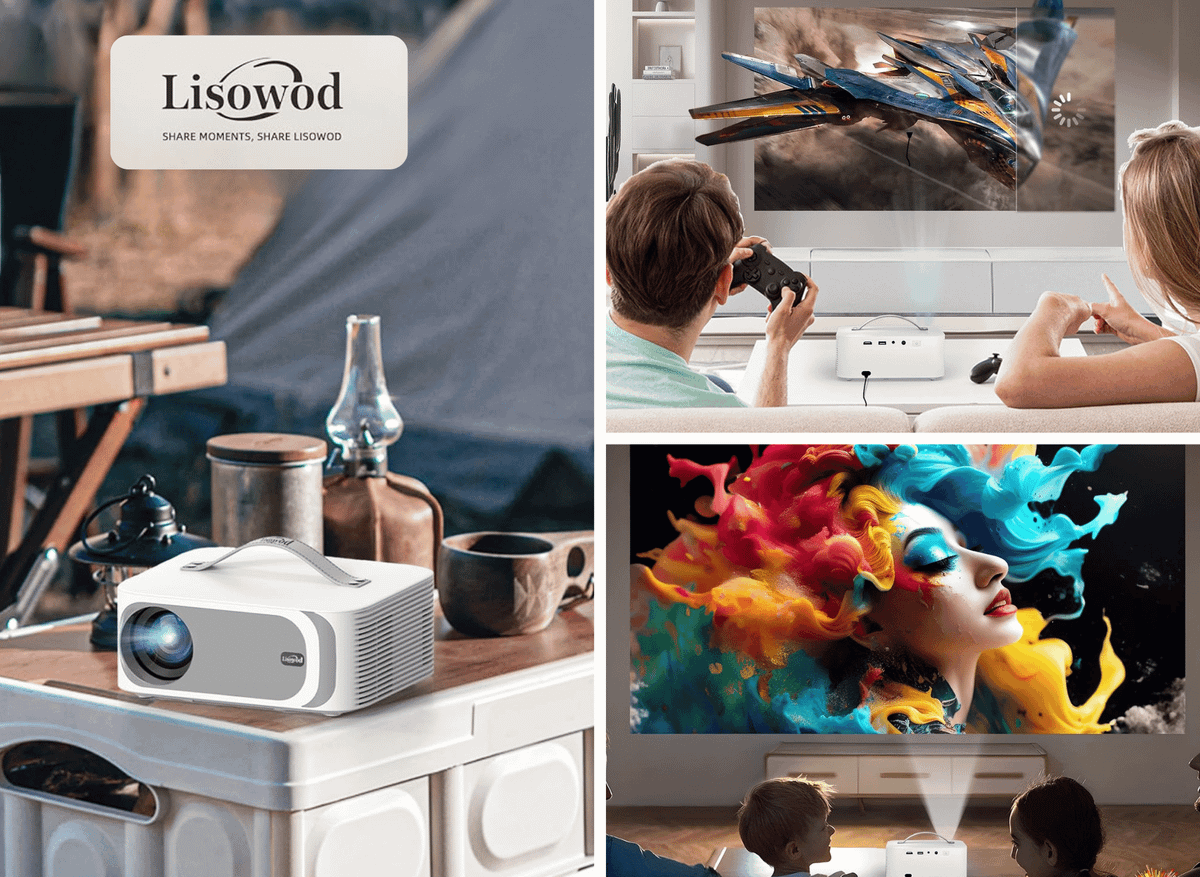
Scenario ideas: backyard movie nights, camping (with a power source), sports watch parties on game day, and kids' cartoon afternoons on the patio. The projector weighs under three pounds, so carrying it outside takes zero effort.
Setup, Controls, and Daily Use
Getting from the box to your first movie takes less time than you'd expect. Users report the full setup in under ten minutes.
Initial setup steps:
- Place the projector on a flat surface or mount it on a tripod
- Connect the power cable and turn on the unit
- Pair the Netflix Edition remote (it should connect automatically)
- Walk through the Google TV setup: select language, connect to WiFi, sign in with your Google account
- Use electric focus to sharpen the center of the image, then let auto keystone handle any angle correction
Daily operation:
- Switch between HDMI input and Google TV using the input button on the remote
- Use voice commands for searching content, adjusting volume, or launching apps - it's faster than scrolling
- Check for firmware and app updates periodically to keep Netflix and other services running smoothly
- Enable eco mode for extended viewing sessions; it reduces brightness slightly but cuts fan noise and power consumption
- Cancel sleep timers if you're watching a long movie marathon
Maintenance is minimal: keep the vents clear of dust, clean the lens occasionally, and you're set. The LED source won't need replacement in any realistic usage scenario.
Pricing, Availability, and Value
The Ownknew GC357 sits in the mid-range smart projector category, typically priced around $199.99 USD based on current listings. Earlier, Ownknew models carried list prices near $289.99 before discounts brought them to a similar range.
This projector has sold out during peak demand periods - summer outdoor movie season and holiday gifting windows tend to create availability gaps. If you're planning a purchase, checking stock early is worth your time.
Value breakdown. Consider what you'd spend separately: a basic 1080P projector (100–150), a quality streaming stick with Google TV (40–50), and a Bluetooth adapter ($15–20). The GC357 bundles all of that into one device with a single remote, which makes the price competitive. Total cost of ownership may increase if you add an external speaker or a proper screen, but those are optional upgrades rather than requirements.
For the latest pricing, bundle deals, or discount codes, check the current Amazon listing for the Ownknew GC357. Prices and availability shift, so verifying before you buy saves surprises.
Who the Ownknew Projector Is Best For & Final Thoughts
The Ownknew GC357 combines smart Google TV integration, a Netflix Edition remote, native 1080P resolution with 4K input support, WiFi 6, Bluetooth 5.3, and genuine portability into a projector that works for both indoor home cinema and outdoor screenings. It's not trying to replace a $2,000 laser projector - it's trying to be the most useful projector under $200, and it largely succeeds.
Ideal for:
- Families building an affordable home theater without mounting a TV
- Renters who can't drill into walls but want a big-screen experience
- Students in dorms or small apartments where a TV takes up too much space
- Gamers who want a large display for casual play
- Hosts planning backyard movie nights with minimal setup
Trade-offs to know: performance in brightly lit rooms is limited at 600 ANSI lumens, and the built-in speakers won't fill a large outdoor area. Neither issue is a dealbreaker - they're standard at this price point and easily addressed with curtains and a Bluetooth speaker.
If you're comparing smart projectors in 2026 and want an all-in-one movie projector with integrated streaming, strong portability, and a price that doesn't require justification, the Ownknew GC357 belongs on your shortlist.
Thank you for reading!
Your friend,
Kelly
OwnknewGC357 #Projector #1080PProjector #SmartProjector #HomeTheater #OutdoorProjector #ElectricFocus #WiFi6 #MovieNight #PortableProjector 📽️🏠🌙🎬✨
Welcome to FactsFanatics. As an Amazon Associate, we earn from qualifying purchases (at no cost to you) from links found within these pages if you choose to buy something.
Amazon Prime offers a wide range of products to meet diverse customer needs, with the added benefit of fast, reliable delivery. From household essentials and groceries to electronics, clothing, and entertainment, Prime members get access to exclusive deals and discounts across a wide range of categories.
Additionally, Prime membership includes access to services like Prime Video for streaming movies and TV shows, Amazon Music for ad-free music, and Prime Reading for eBooks and magazines. This comprehensive suite of benefits makes Amazon Prime a convenient and value-packed option for millions of customers worldwide.
- Prime for you, adult
- Free 30-day trial of Prime
- All of Prime, half the price.
- Prime Video
- Wedding Registry
- Kindle Unlimited
 Kelly Bandel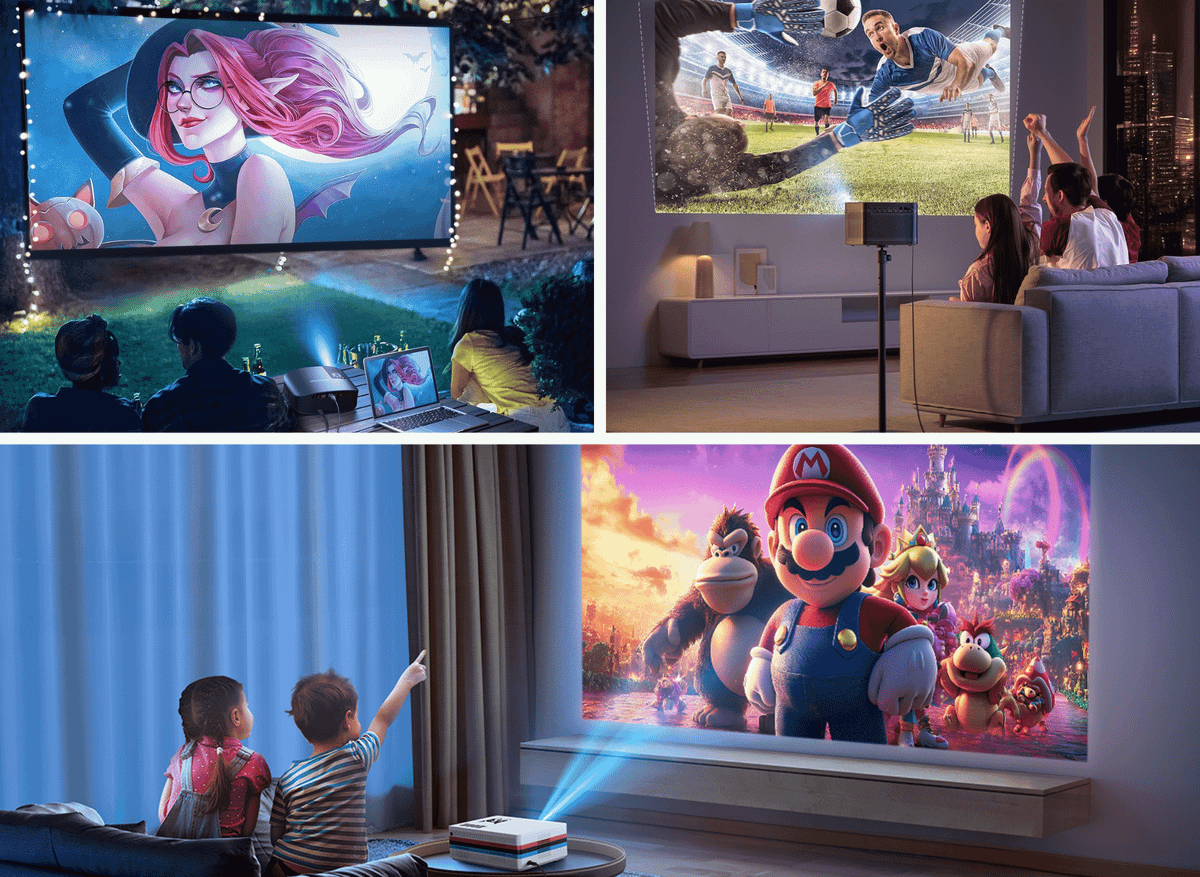
 Kelly Bandel