
Welcome to FactsFanatics. As an Amazon Associate, we earn from qualifying purchases (at no cost to you) from links found within these pages if you choose to buy something.
Choose the Sawgrass SG500 ($599.95) if you run a home-based business or hobby shop printing items up to 8.5"x14". Choose the Sawgrass SG1000 ($1,699.95) if you need larger 11"x17" prints, auto-maintenance, and the efficiency to scale a growing custom apparel or promotional products business.
Sublimation printing has opened the door for thousands of small businesses to create custom apparel, mugs, phone cases, and personalized gifts. At the center of this trend sit two machines: the Sawgrass SG500 and the Sawgrass SG1000. Both are purpose-built dye-sublimation printers, and both have loyal fans and frustrated critics.
This guide breaks down what each printer offers, who it suits best, and the real-world pros and cons drawn from verified customer reviews. By the end, you'll know exactly which Sawgrass sublimation printer fits your business size, print volume, and budget, and how to avoid the common headaches new owners run into.
What Is a Sawgrass Printer, and How Does Dye-Sublimation Work?
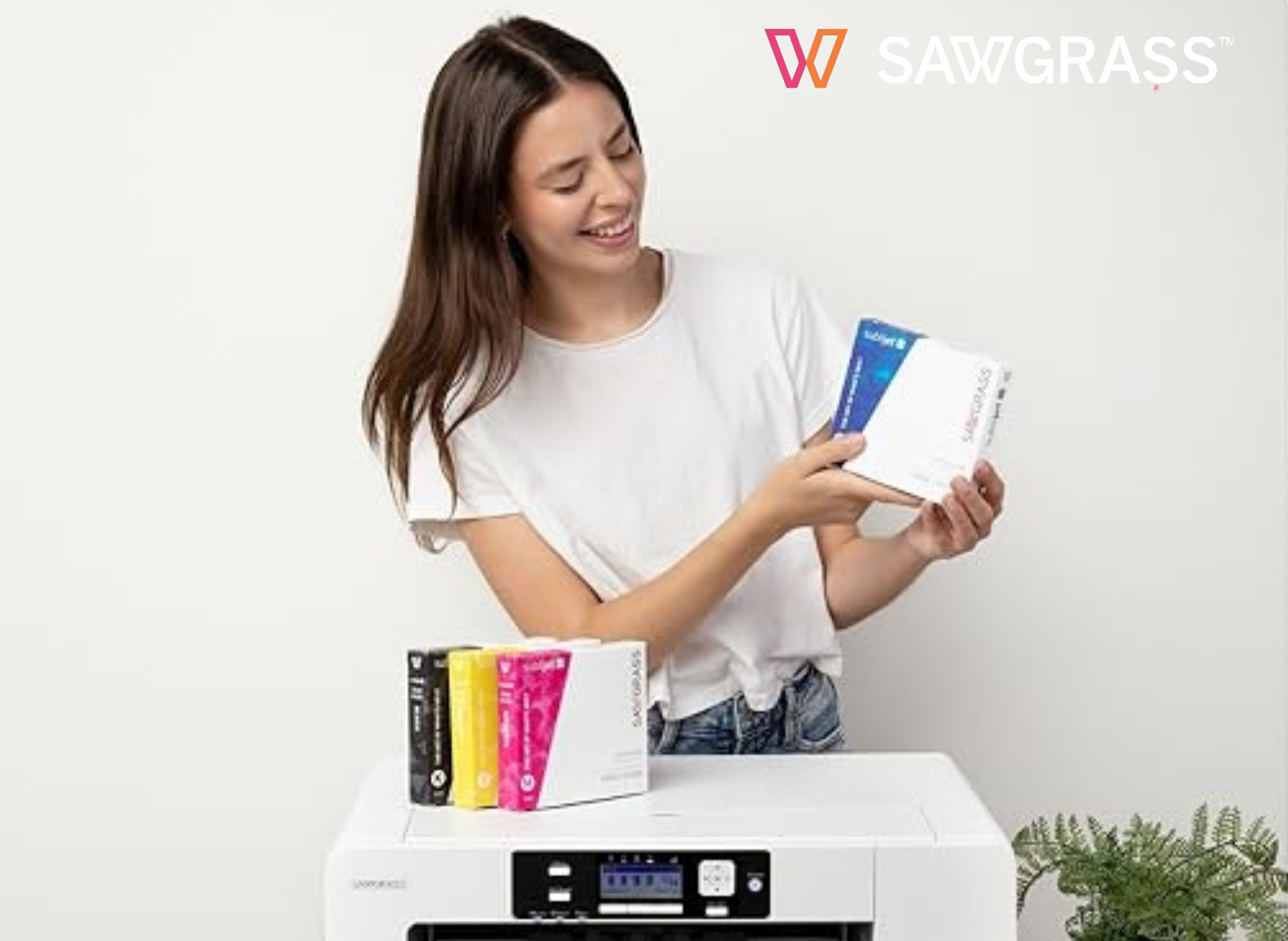
A Sawgrass printer is a dye-sublimation printer engineered specifically for transferring vibrant designs onto polyester fabrics and polymer-coated hard goods. Unlike traditional inkjet printers, Sawgrass systems use SubliJet UHD and VersiFlex inks; VersiFlex extends printing beyond traditional sublimation to cotton, polyester, hard substrates, wood, and other materials.
Here's the basic sublimation printing workflow: you print your design onto sublimation paper (Sawgrass sells genuine TruePix paper), then use a heat press to transfer it onto your substrate. The result is professional sublimation with consistent color accuracy that won't crack or peel like surface prints.
One important note: Sawgrass printers are built for sublimation only. As one reviewer put it, the SG1000 "is not for regular printing." If you want a machine for everyday document printing, this isn't it.
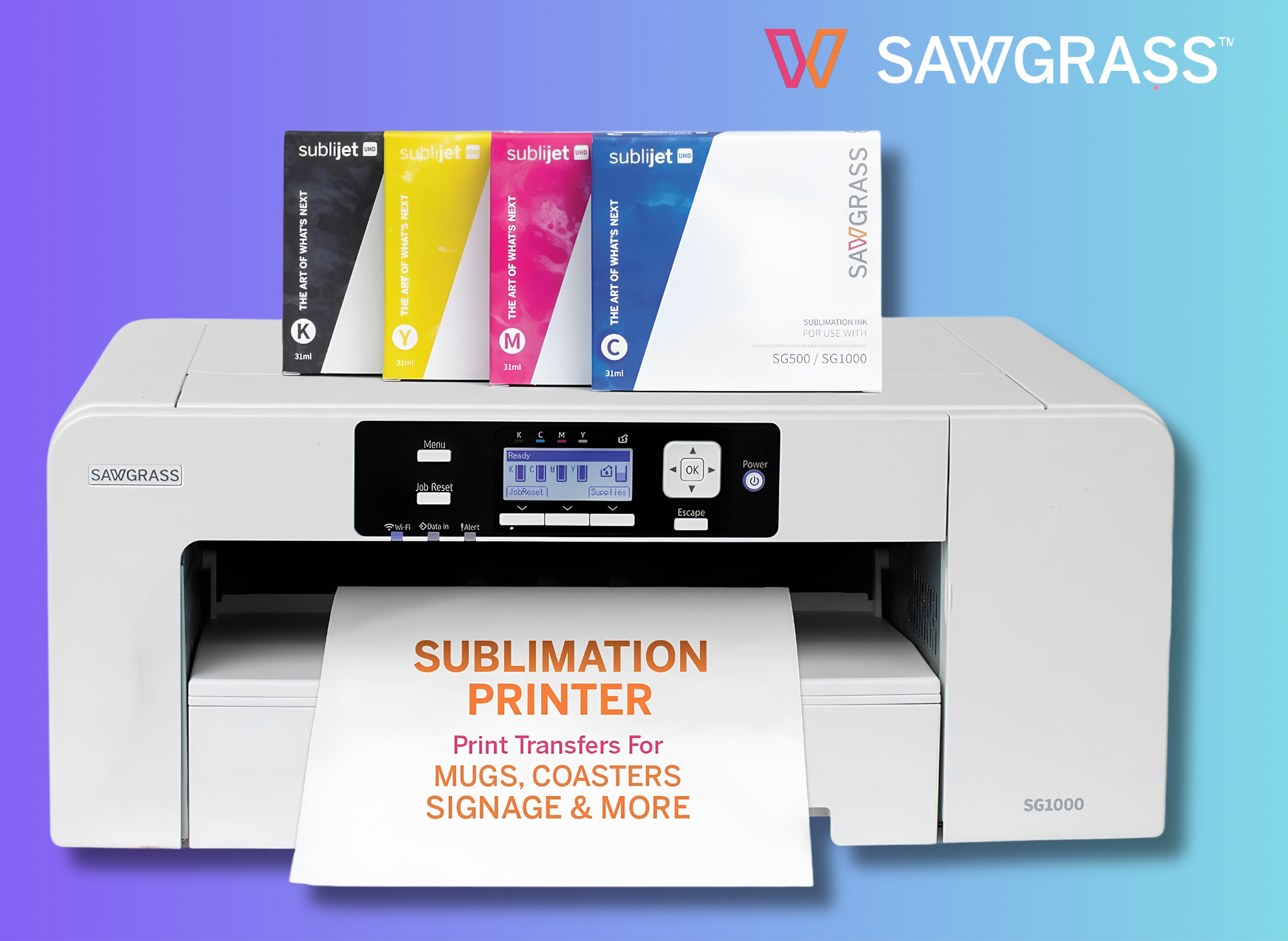
Sawgrass SG1000 Sublimation Printer Bundle
Professional Dye-Sublimation Printer with 31mL SubliJet UHD Inks & TruePix Paper | Prints Up to 11”x17” | Wi-Fi | Auto-Maintenance | Business-Ready
What Does the Sawgrass SG1000 Offer Growing Businesses?
The Sawgrass SG1000 is the business-ready option, priced at $1,699.95 (list $1,849.95). It's positioned as the step up "from side hustle to serious business."
Key features of the SG1000:
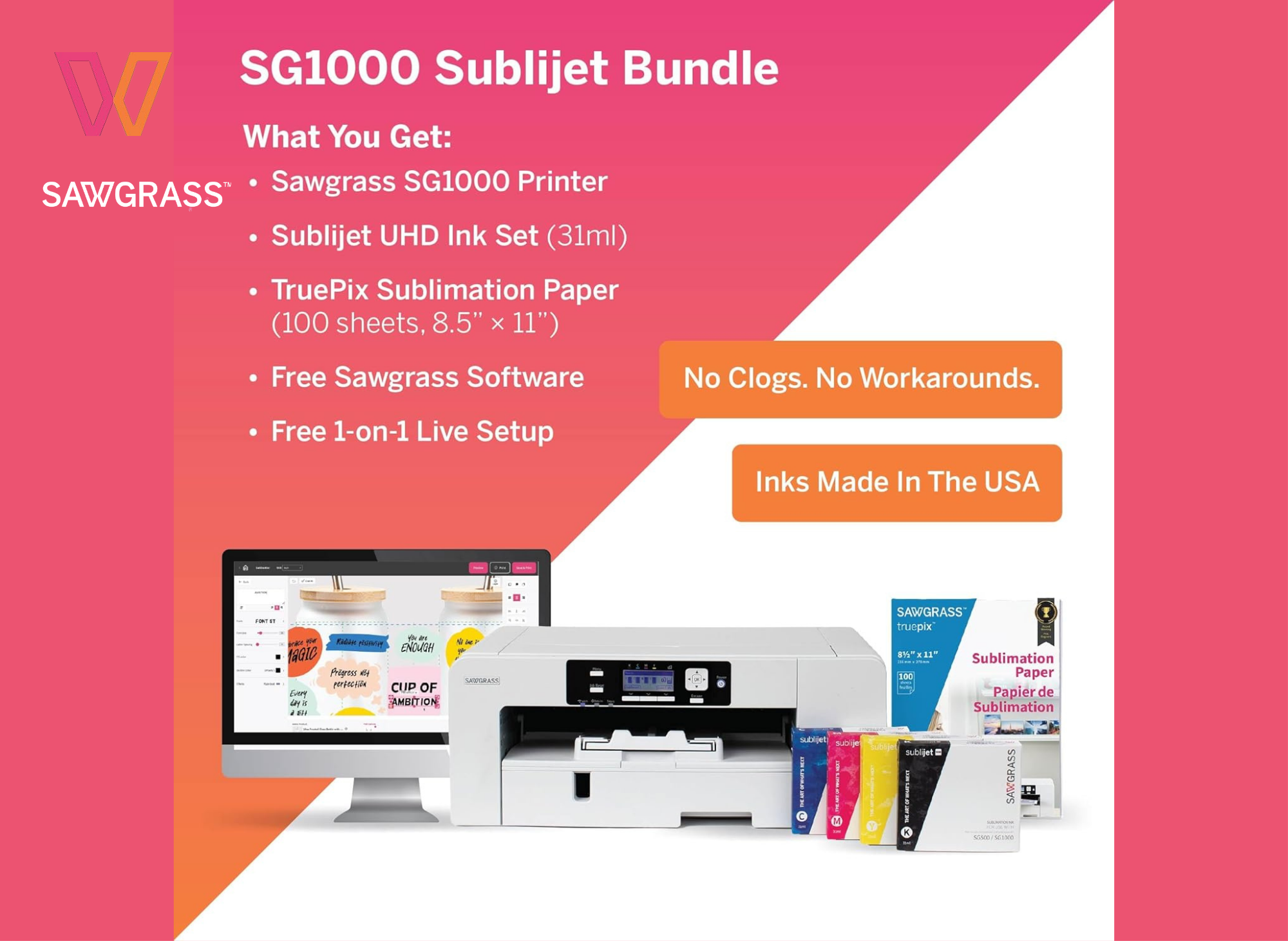
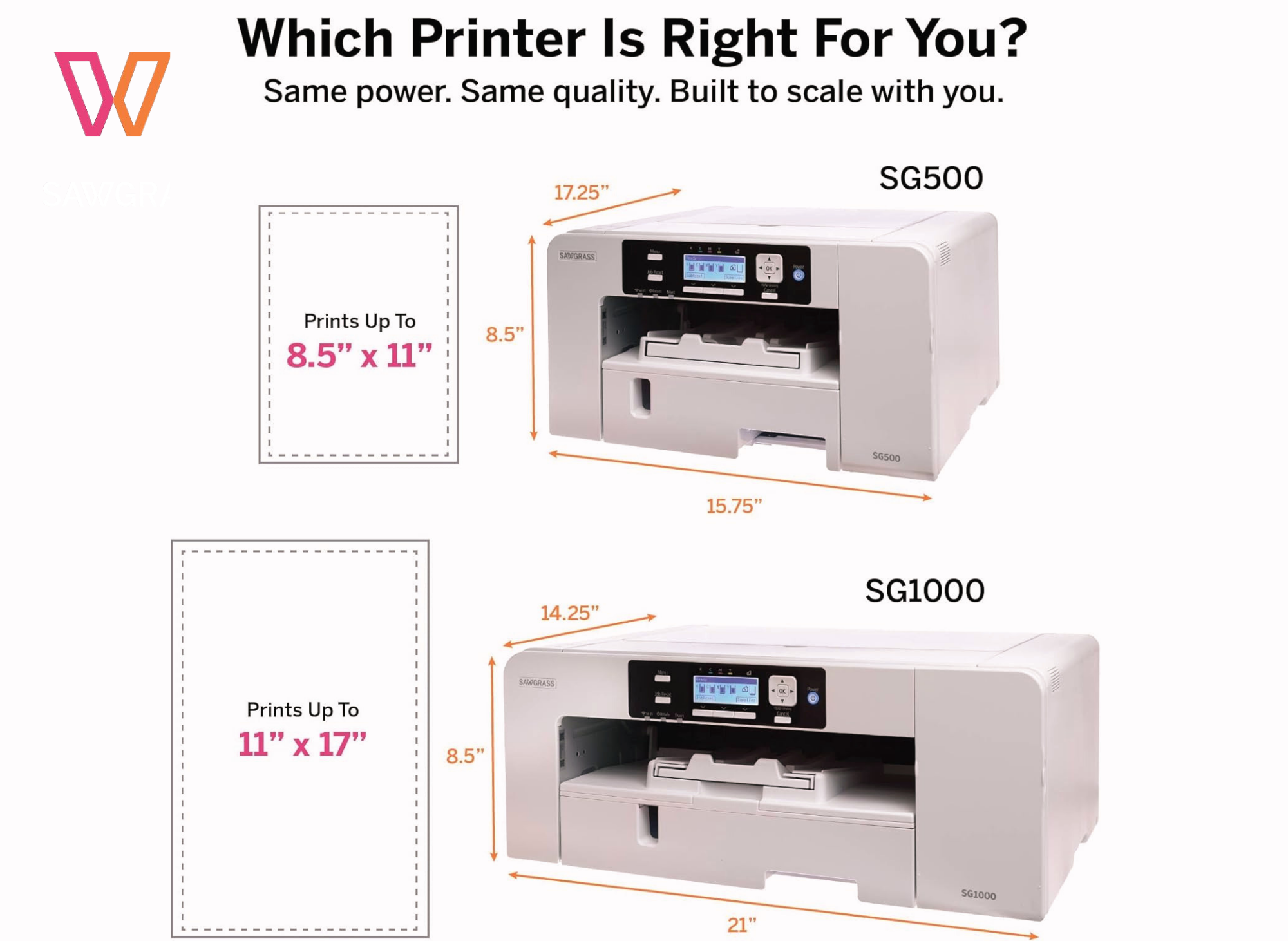
- Larger print size: Prints up to 11"x17" (tabloid) from the main tray straight out of the box, with the bypass tray fitting prints up to 13"x19".
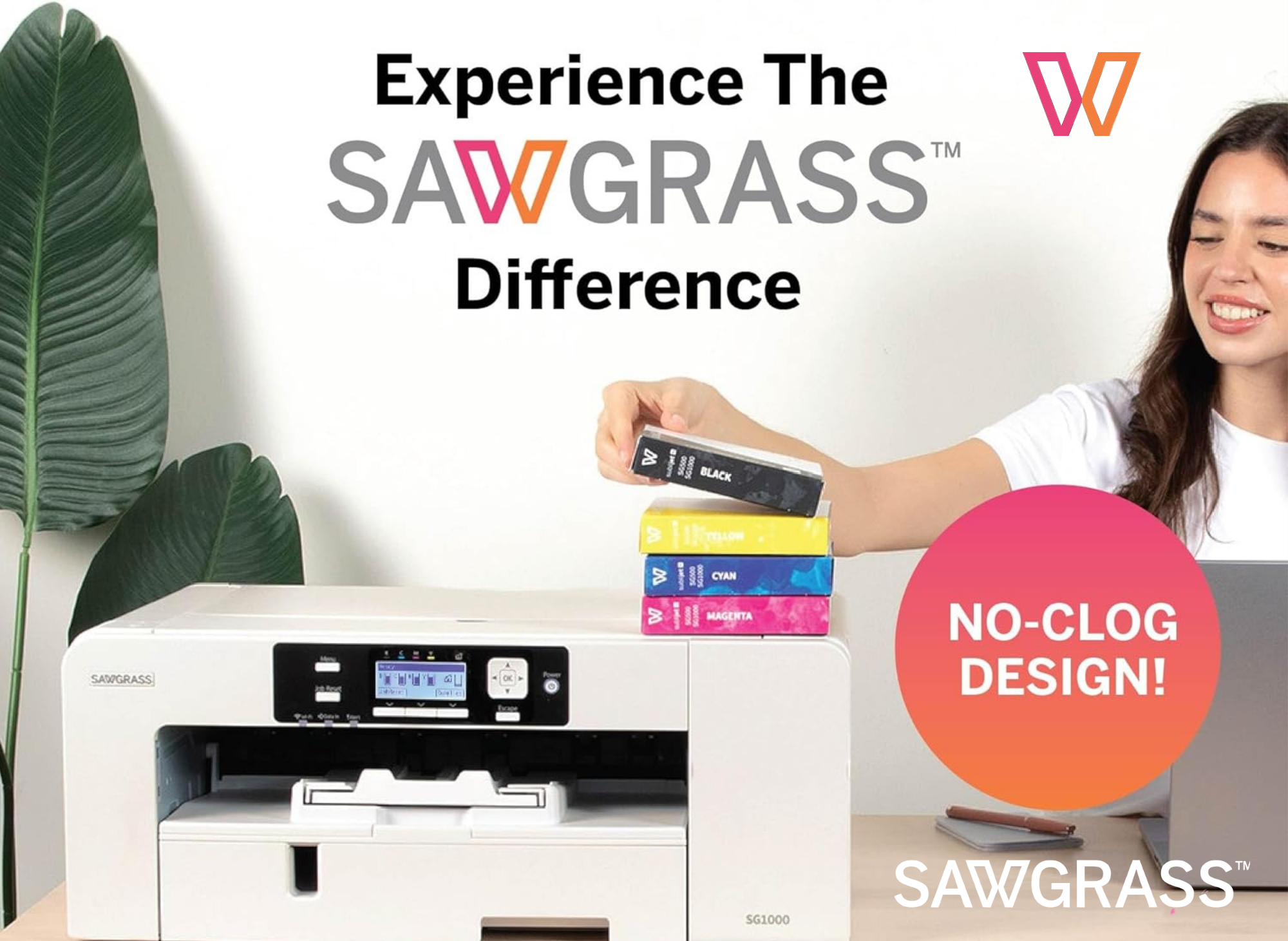
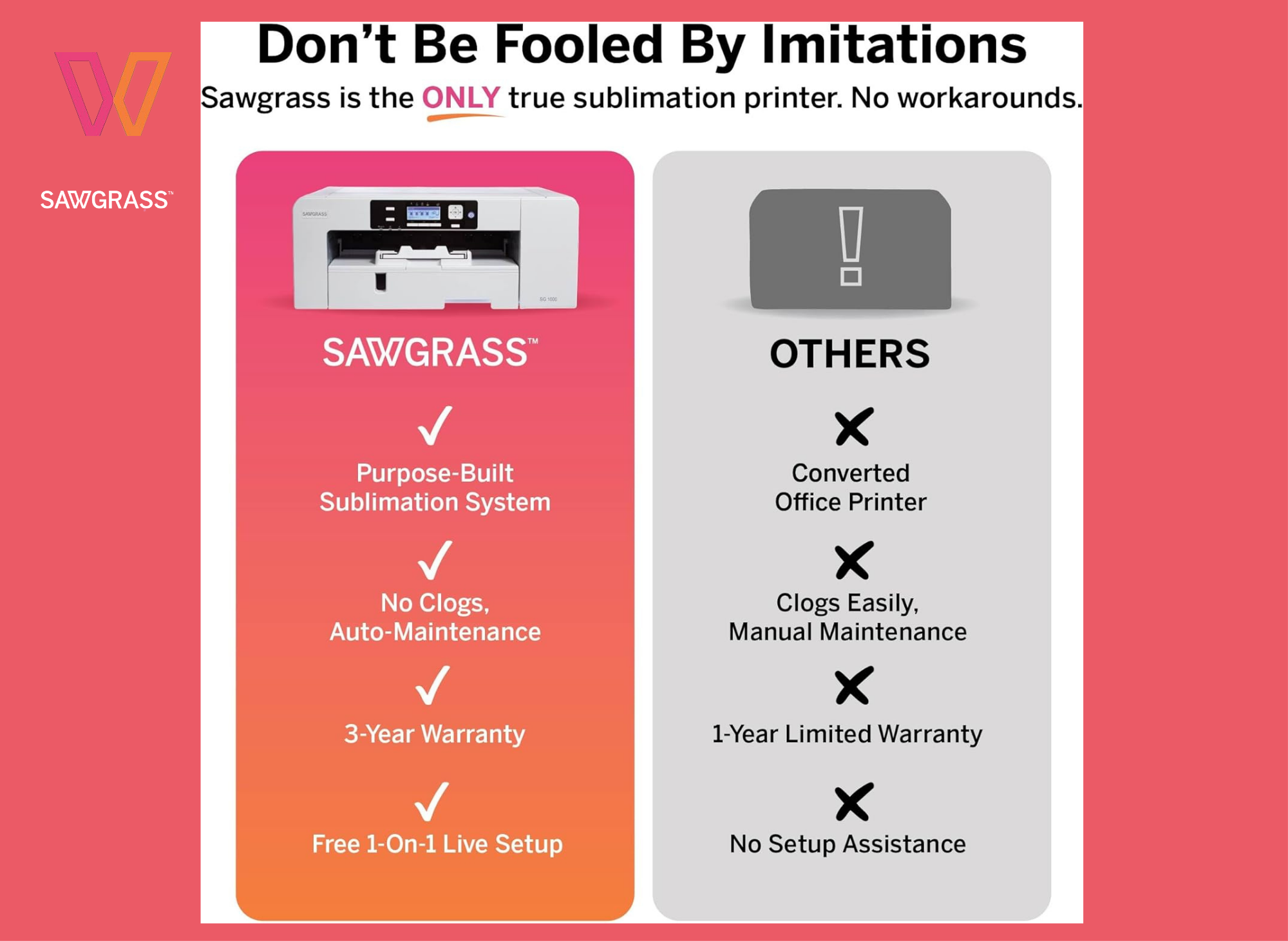
- Auto-maintenance: Runs automatic cleaning cycles with purpose-built hardware to minimize nozzle blockages and support reliability, even when left unattended. Sawgrass says "no babysitting required."
- Genuine Sawgrass inks: Includes a full set of 31mL SubliJet UHD inks (cyan, magenta, yellow, black) for vivid, durable colors on hard and soft substrates.
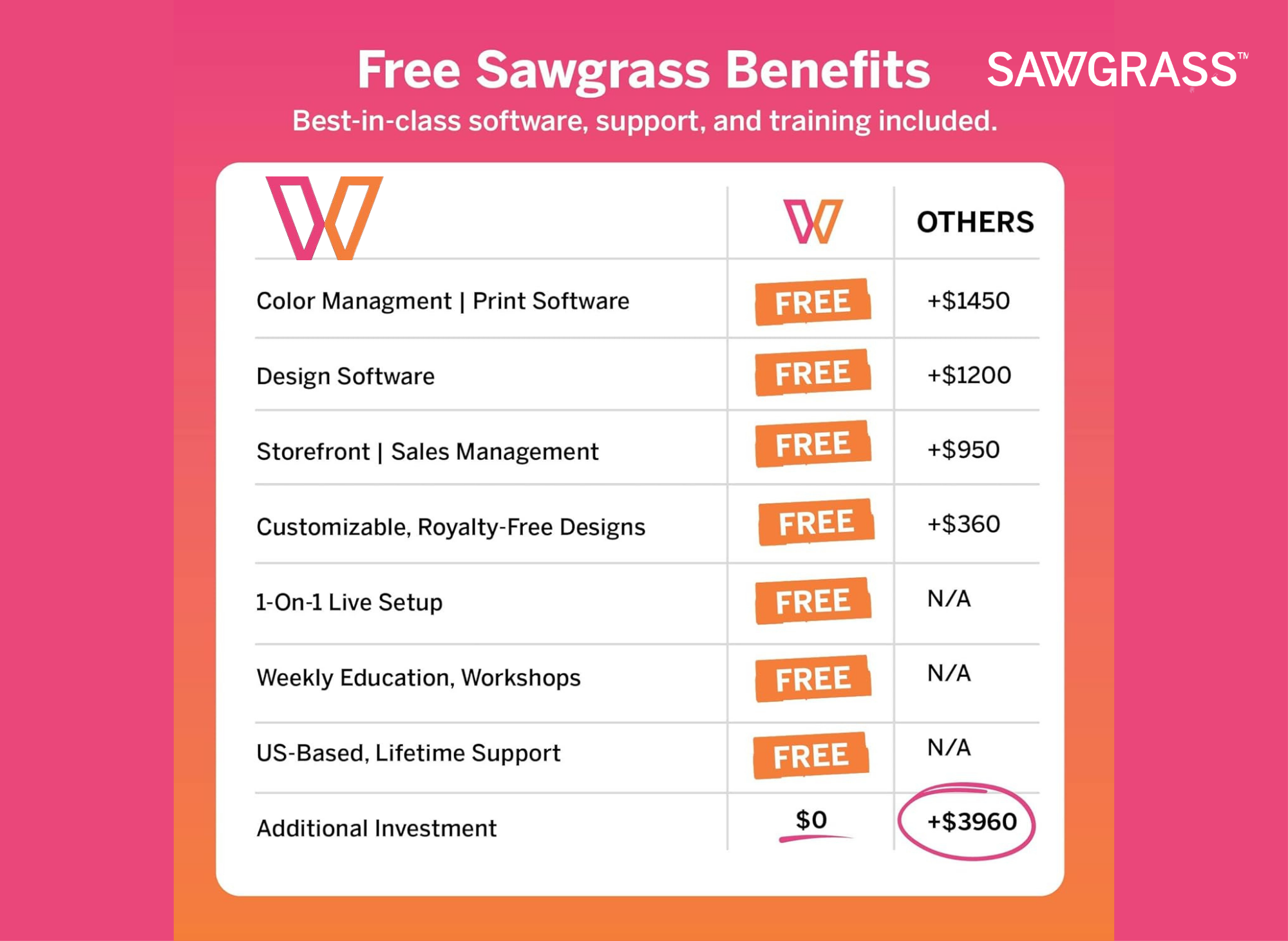
- Software suite: Access to the MySawgrass platform and Sawgrass Print Utility with templates, color management, and workflow tools.
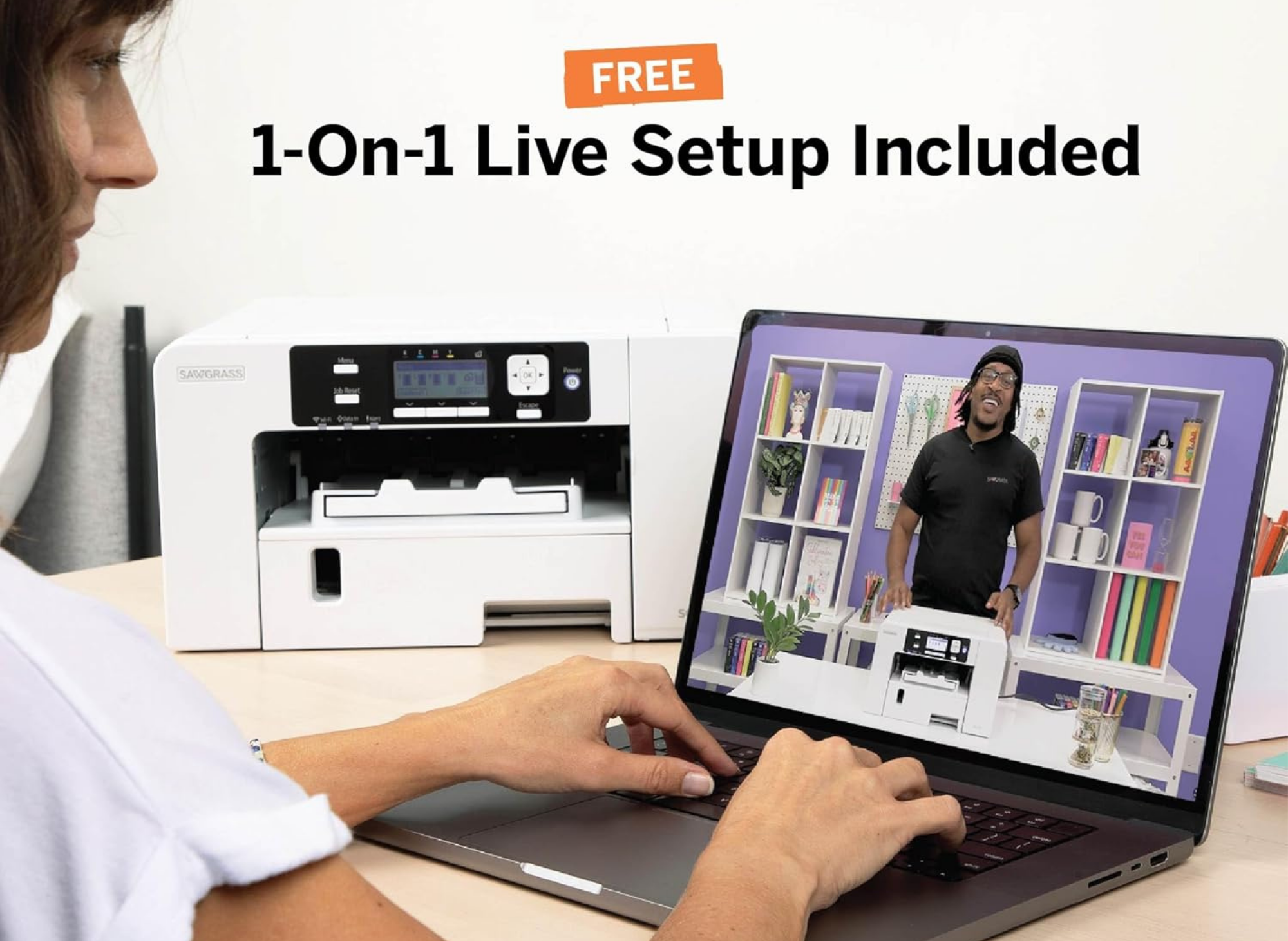
- Business support: A 1:1 onboarding session, a 3-Year warranty up to 100,000 prints, plus lifetime education and support.
The SG1000 suits growing businesses and ambitious entrepreneurs ready to expand product offerings into banners, panels, signage, apparel, mugs, and promotional items.
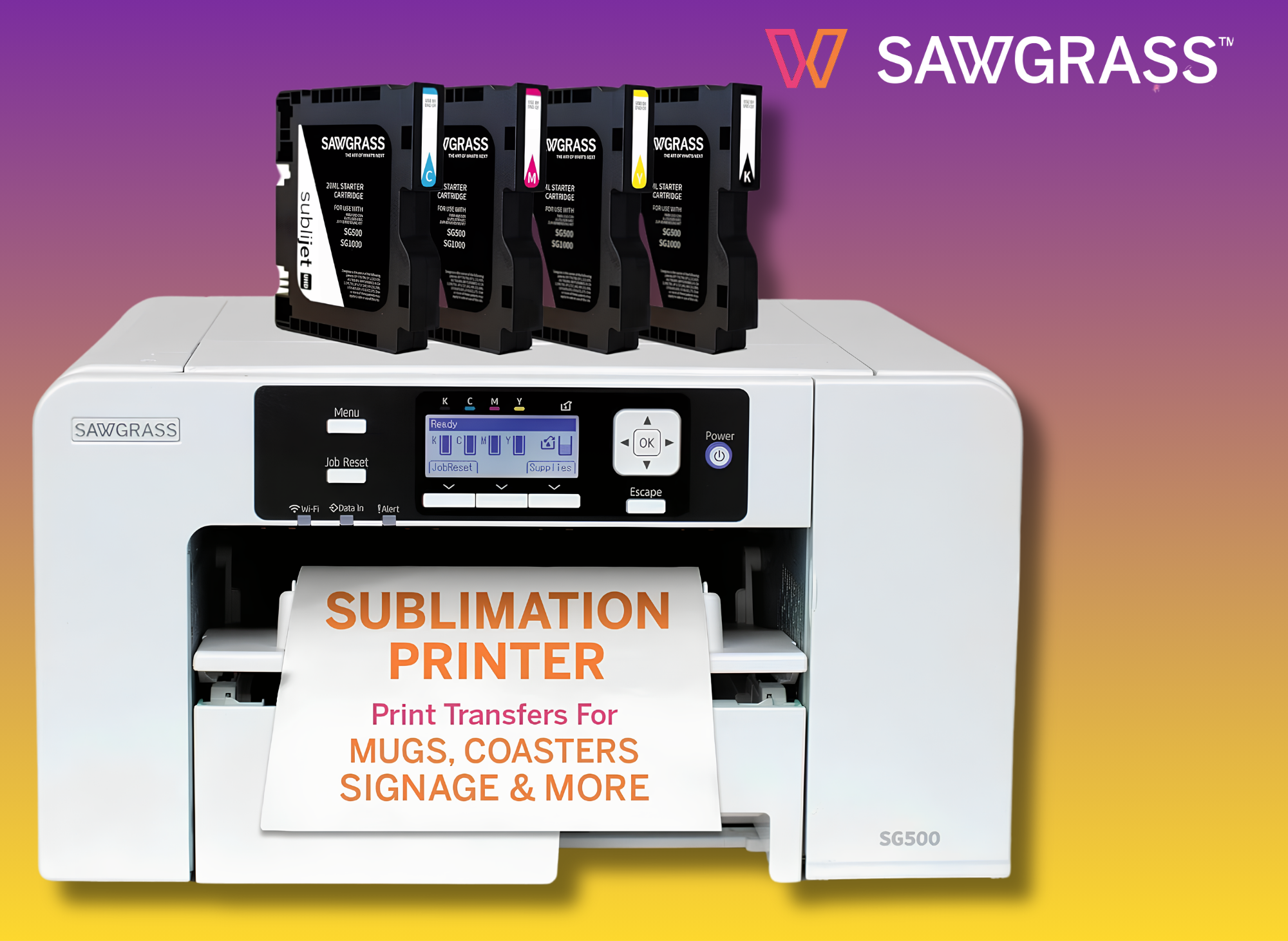
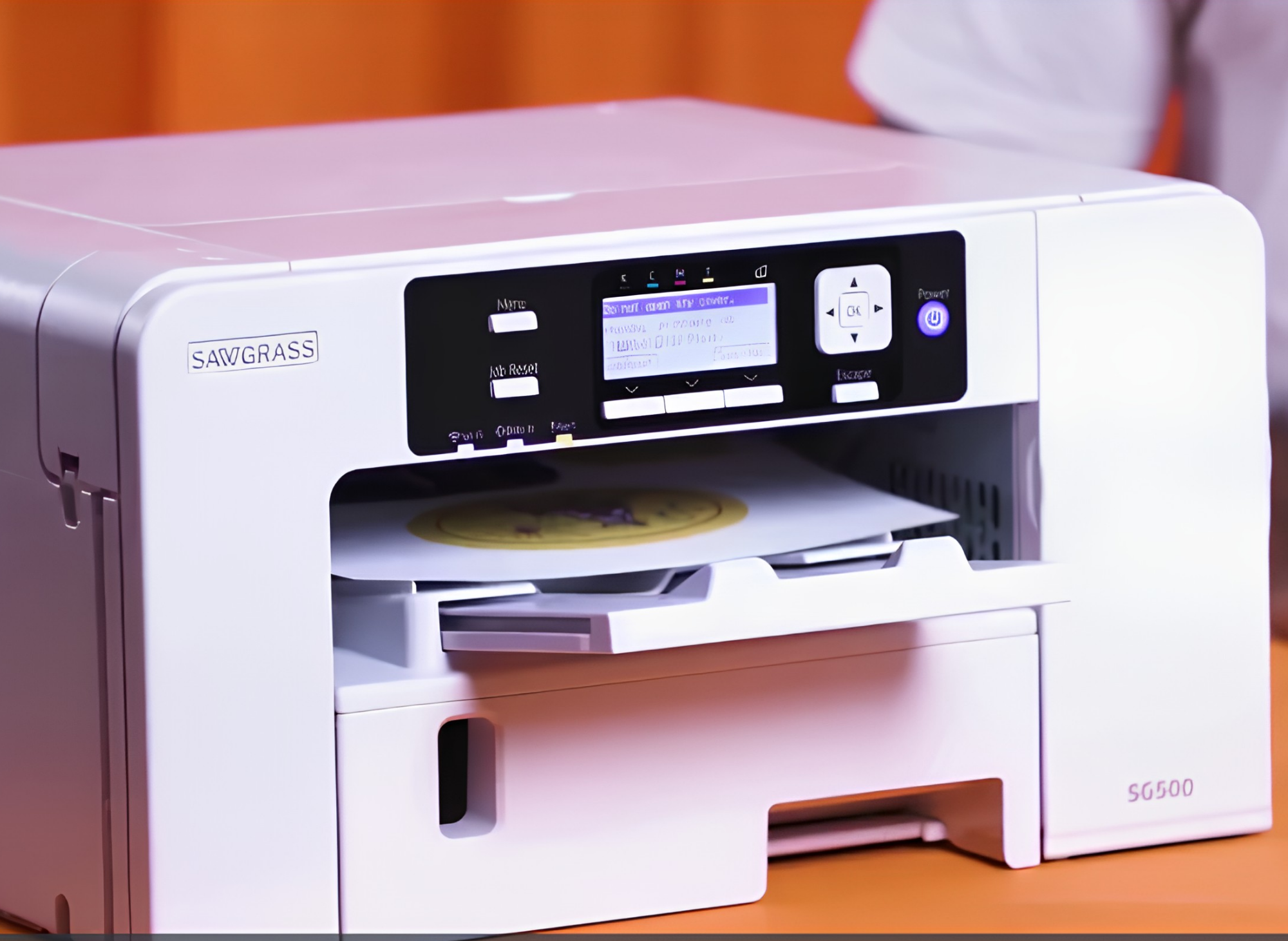
Sawgrass SG500 Sublimation Printer Starter Bundle
Anti-Clog Dye-Sublimation Printer with 20mL SubliJet UHD Inks & TruePix Paper | Purpose-Built for Sublimation | Wi-Fi Enabled | Easy Setup
What Does the Sawgrass SG500 Offer Small Businesses?
The Sawgrass SG500 is the compact, accessible entry point, priced at $599.95. It's designed for small businesses, home-based entrepreneurs, and hobbyists who still want high-quality results.
Key features of the SG500:
- Compact design: Desktop-friendly dimensions (17.25"D x 15.75" W x 8.5"H) that fit smaller workspaces without compromising performance.
- Print size: Prints on media up to 8.5"x14", with a bypass tray that handles prints up to 8.5"x51",perfect for longer banners.
- Anti-clog technology: Print head auto-maintenance helps keep the printer reliable over time.
- Genuine inks: Includes a starter set of 20mL SubliJet UHD ink cartridges (CMYK), formulated in small batches for rich, consistent colors.
- Same software ecosystem: Access to the MySawgrass platform and Sawgrass Print Utility with Smart preset features for precise color accuracy.
- Energy efficient: ENERGY STAR certified for lower running costs.
The SG500 is ideal for creating custom t-shirts, drinkware, signage, and promotional products at a smaller scale.
SG1000 vs SG500: What’s the Real Difference?
The main differences come down to print size, ink capacity, and business scale. Here's a side-by-side look:
Feature | Sawgrass SG500 | Sawgrass SG1000 |
Price | $599.95 | $1,699.95 |
Max print size (main tray) | 8.5"x14 | 11"x17" |
Max print size (bypass) | 8.5"x51 | 13"x19 |
Ink cartridges | 20mL SubliJet UHD | 31mL SubliJet UHD |
Maintenance | Anti-clog auto-maintenance | Full auto-maintenance |
Best for | Home/small business | Growing business |
For print size and efficiency, the SG1000 wins. Its larger 11"x17" format opens up bigger products like tabloid signage and full-front apparel transfers, while the bigger 31mL ink cartridges mean fewer refills during high-volume runs.
Users who want one system for short runs and one-offs across more product types may prefer a VersiFlex setup because it eliminates the need for multiple ink systems and can deliver retail-quality results. The SG500, by contrast, handles smaller projects efficiently and costs roughly a third of the price.
Both printers run automatic print head maintenance, but reviewers note the SG1000's hands-off system is especially helpful if the printer sits idle between jobs.

What Do Customers Praise About Sawgrass Printers?
Across both models, the most consistent praise centers on print quality and color. The SG1000 holds a 3.8 out of 5 rating, while the SG500 Starter Bundle sits at 3.7 out of 5.
Here's what happy customers say:
- Crisp, vivid prints: Julie M, a 5-star SG1000 reviewer on her third Sawgrass printer, called the output "nice crisp prints, vivid colors, moderate saturation."
- Superior to standard inkjets: One SG500 owner noted the print quality was "easily higher quality than my inkjet printer."
- Easy ink swaps: Julie M added that "the Sawgrass ink cartridges are absolutely the easiest to use."
- Great results once running: James Adams (4 stars, SG1000) said that "once it is set up, it works really great and provides good quality prints."
When these printers work as intended, owners get professional sublimation results that rival far more expensive equipment.
What Are the Common Complaints About Sawgrass Printers?
No printer is perfect, and Sawgrass systems draw a few recurring criticisms worth weighing before you buy.
- High ink costs: This is the biggest gripe. Genuine SubliJet UHD cartridges run about $84.95 each, or $339.95 for a 4-pack. One SG500 reviewer warned buyers to "be prepared to almost immediately spend another $350 on ink." The same reviewer added that using unauthorized ink can cause the Sawgrass to "lock up your printer."
- "Low ink" out of the box: Several SG500 owners reported starter cartridges arriving low. One noted "starter ink ran out with 2 prints," and another said "all ink is low" right away.
- Setup challenges: Setup drew mixed feedback. Some called it complicated, and James Adams noted it took "somewhat of a challenge getting it set up."
- Wireless connectivity issues: Both Julie M and James Adams recommend a direct, wired connection over Wi-Fi. The SG1000 "will not work unless it is connected directly through a 2.4ghz signal," and several users felt prints looked better when wired in.
- Customer service complaints: This is the second major theme. Multiple 1-star reviewers cited unresponsive support, with one calling a non-working SG1000 a "$1500... boat anchor," though Sawgrass does provide user resources like tutorials, community support, and other assistance, even if experiences with direct support are mixed.
It's also worth repeating: these are sublimation-only machines, not everyday document printers.
Who should buy the Sawgrass SG500 vs the SG1000?
Your choice should come down to business scale, print volume, and budget.
Choose the Sawgrass SG500 if:
- You're a hobbyist, home-based entrepreneur, or one of many professionals running a small business.
- Your products stay within 8.5"x14" (t-shirts, mugs, phone cases, small signage).
- You want to enter sublimation printing without a large upfront investment, but if you focus on light-colored cotton fabrics, ChromaBlast inks may be the right equipment instead of a standard sublimation setup.
Choose the Sawgrass SG1000 if:
- You're scaling a growing business and need larger 11"x17" prints.
- You print at higher volumes and want bigger ink cartridges and hands-off maintenance.
- Efficiency and the ability to expand your product offerings matter more than the higher price.
In short: pick the SG500 if budget and compact size matter most. Pick the SG1000 if print size and reliable performance at scale matter more than cost.
8 How to Get the Best Results From Your Sawgrass Printer With Genuine Sawgrass Inks
A few smart habits can sidestep the most common complaints:
- Use a wired connection. Multiple reviewers report better, more reliable prints when connecting directly via a 2.4GHz signal or USB rather than Wi-Fi.
- Budget for ink upfront. Plan to buy genuine Sawgrass inks soon after purchase, since starter cartridges may run low quickly.
- Stick with genuine supplies. Using genuine Sawgrass inks and TruePix sublimation paper protects your warranty; unauthorized inks can lock the printer, and compatible accessories like transfer paper and cleaning items can help support performance.
- Buy from an authorized Sawgrass dealer. Several owners recommend purchasing directly so you can access support and warranty help more easily, and dealers can help you choose the right equipment for your workflow, including an expander if needed.
- Run it regularly. Letting the auto-maintenance do its job (and printing periodically) helps keep print heads clear.
Frequently Asked Questions
How much does a Sawgrass printer cost?
The Sawgrass SG500 costs $599.95, and the Sawgrass SG1000 costs $1,699.95 (list price $1,849.95). Remember to budget extra for genuine SubliJet UHD inks, which run about $84.95 per cartridge or $339.95 for a 4-pack.
Can a Sawgrass printer print on cotton t-shirts?
Sublimation works best on polyester fabrics and polymer-coated hard goods. Pure cotton fabrics don't bond well with sublimation ink, so for cotton t-shirts, you'll need a coating spray or a different method like heat transfer paper or DTF printing. VersiFlex can print on cotton, polyester, and wood, while ChromaBlast is made for light-colored cotton fabrics.
What's the difference between the SG500 and SG1000?
The biggest differences are print size and price. The SG500 prints up to 8.5"x14" and costs $599.95, while the SG1000 prints up to 11"x17" and costs $1,699.95. The SG1000 also uses larger 31mL ink cartridges versus the SG500's 20mL.
Do I have to use genuine Sawgrass inks?
Yes, it's strongly recommended. Sawgrass systems are designed for genuine SubliJet UHD inks, with SubliJet UHD and VersiFlex inks used depending on the application, and reviewers report that using unauthorized inks can cause the printer to lock up and may void your warranty.
Are Sawgrass printers good for beginners?
The SG500 is the better choice for beginners and hobbyists thanks to its lower price and compact design. Expect a learning curve during setup, and use the included MySawgrass platform and Sawgrass Print Utility to get started faster, though the same systems also work for professionals because of the available assistance and learning resources.
Why does my Sawgrass printer say low ink right away?
Several owners report starter cartridges arriving low. Sawgrass ships printers with starter inks that may not last long, so it's wise to order replacement cartridges before you begin a big project.
Is a Sawgrass Sublimation Printer Worth It?
For businesses focused on custom apparel, drinkware, and personalized gifts, Sawgrass sublimation printers deliver vibrant colors that help products stand out.
The SG500 makes professional sublimation printing accessible to beginners and small businesses, while also suiting hobbyists and professionals who want dependable reliability. The SG1000 gives growing operations the print size and efficiency to scale. Both models are trusted across the printing industry for producing high-quality prints that hold their color wash after wash.
The trade-offs are real, ink costs add up, setup takes patience, and a wired connection is the safer bet. Even at regular price, though, the value is clear if you use the equipment the right way. Invest in genuine inks, buy from an authorized dealer, and match the model to your needs, and a Sawgrass printer remains reliable equipment for building a sublimation business.
Thank you for reading!
Your friend,
Kelly
#SublimationPrinting #SawgrassPrinter #PrintOnDemand #CustomMerch #MakerLife #SmallBusinessMaker #CreativeEntrepreneur
🎨🖨️✨🧵💡
Amazon Prime offers a wide range of products to meet diverse customer needs, with the added benefit of fast, reliable delivery. From household essentials and groceries to electronics, clothing, and entertainment, Prime members get access to exclusive deals and discounts across a wide range of categories.
Additionally, Prime membership includes access to services like Prime Video for streaming movies and TV shows, Amazon Music for ad-free music, and Prime Reading for eBooks and magazines. This comprehensive suite of benefits makes Amazon Prime a convenient and value-packed option for millions of customers worldwide.
- Prime for you, adult
- Free 30-day trial of Prime
- All of Prime, half the price.
- Prime Video
- Wedding Registry
- Kindle Unlimited
 Kelly Bandel
 Kelly Bandel
 Kelly Bandel